
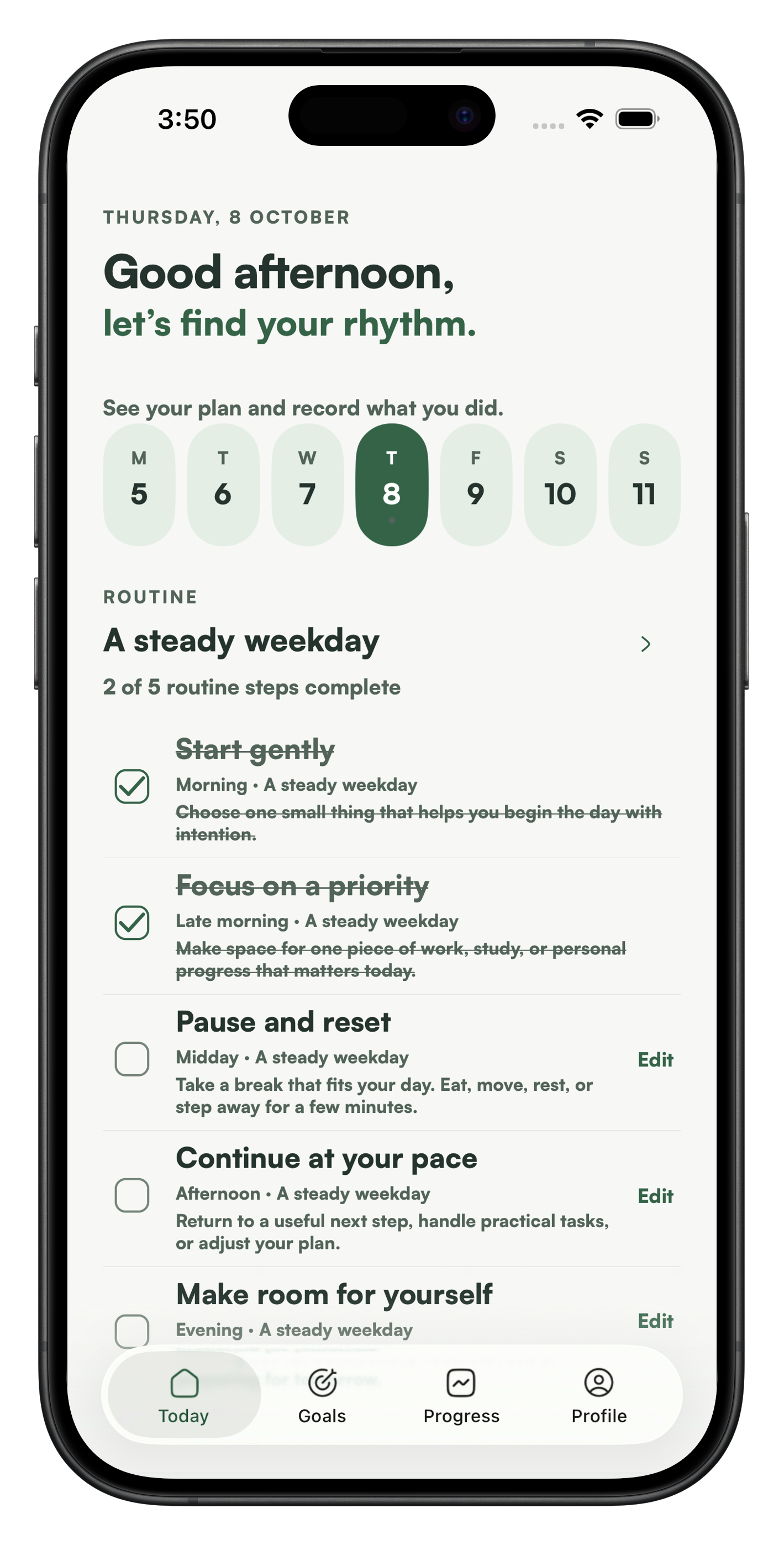
Today
Keep today in view.
See your routine, choose what to do, and mark what happened.
Kindle momentum, one day at a time.
Keep goals, routines, and daily actions together. Make a plan for today, then move things around when the day changes.
Mobile app coming soon
Experience DayKindle
Set up a routine, work through the day, and look back at what you recorded.
Today
See your routine, choose what to do, and mark what happened.
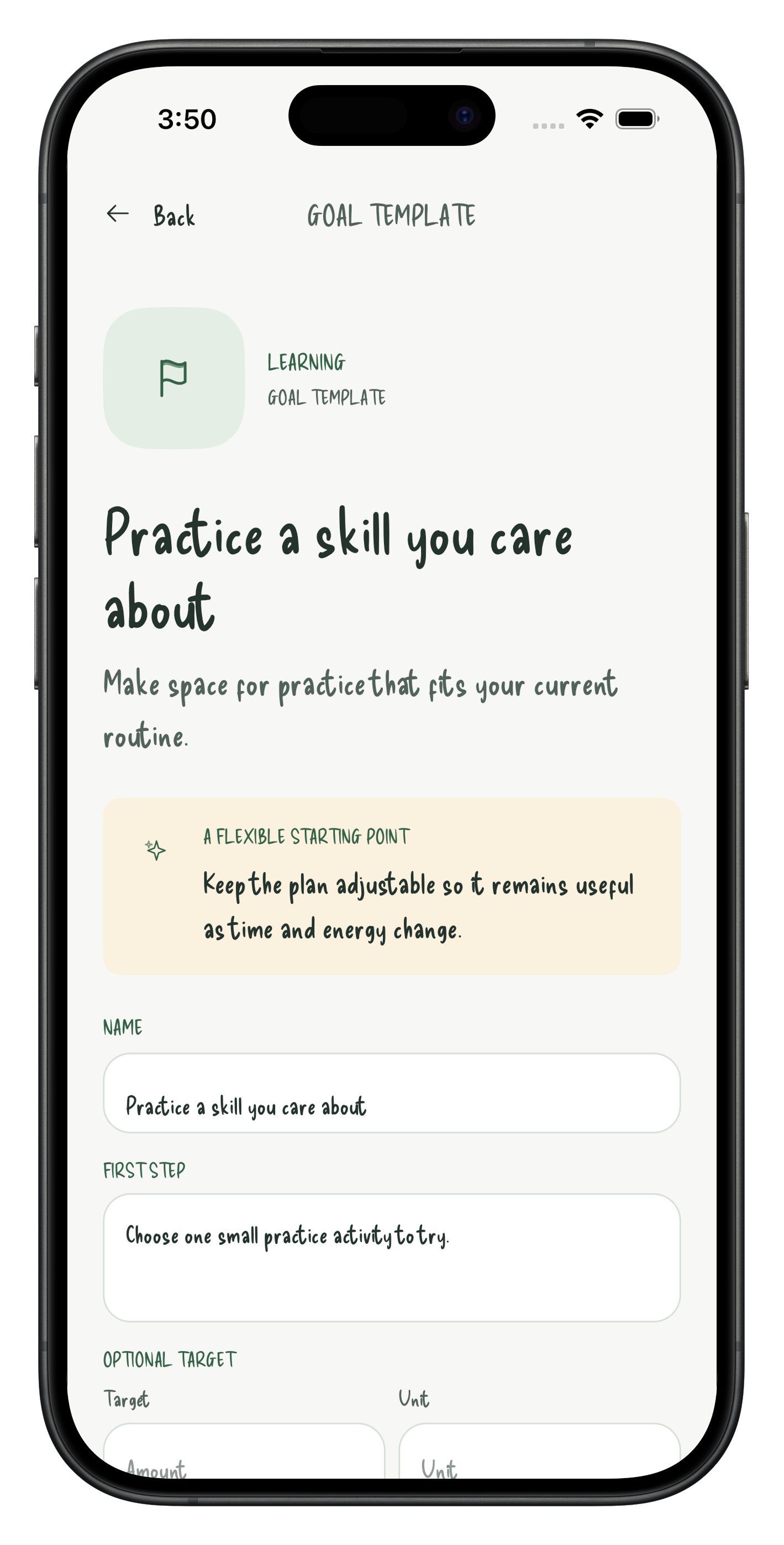
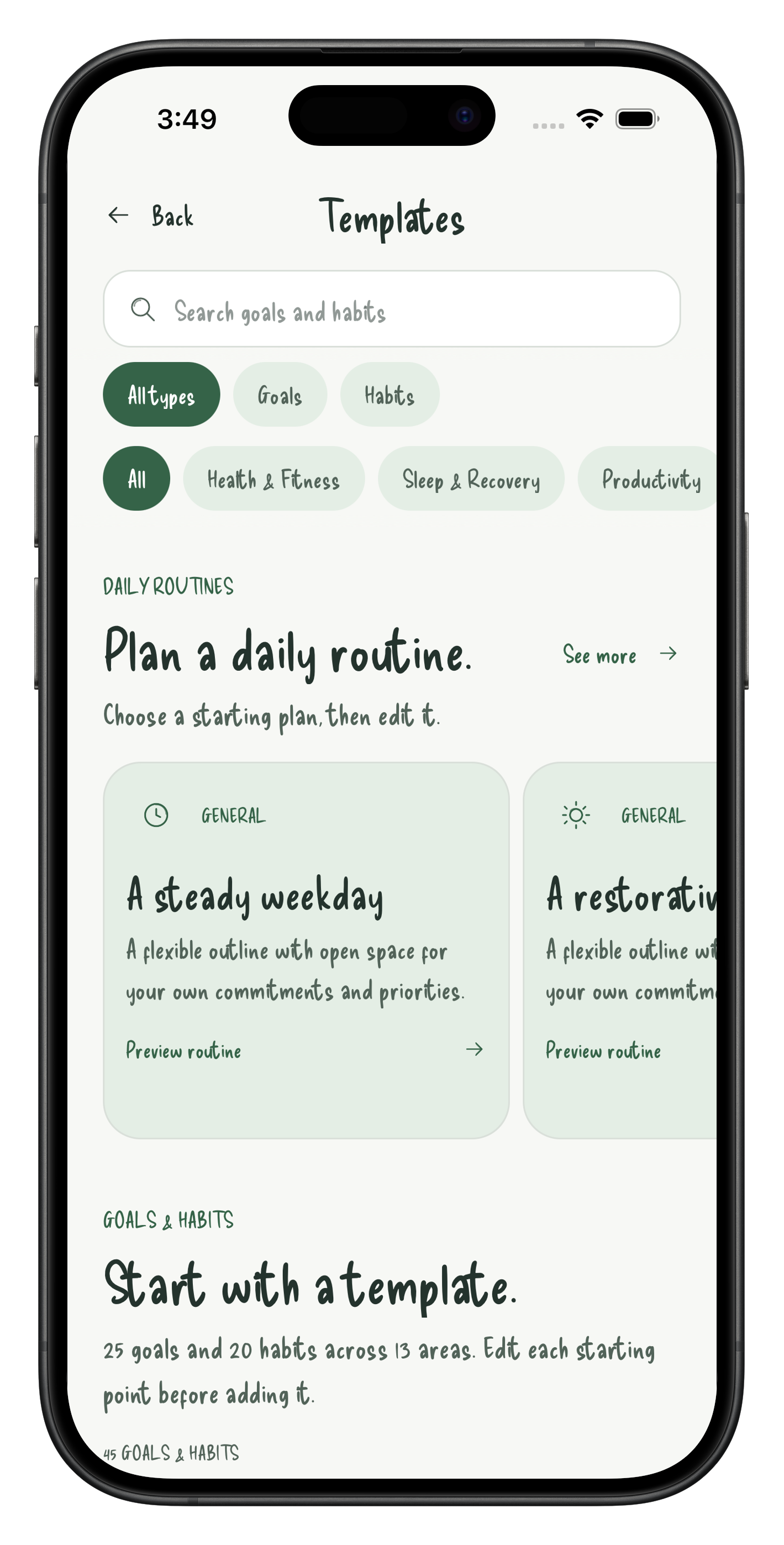
Templates
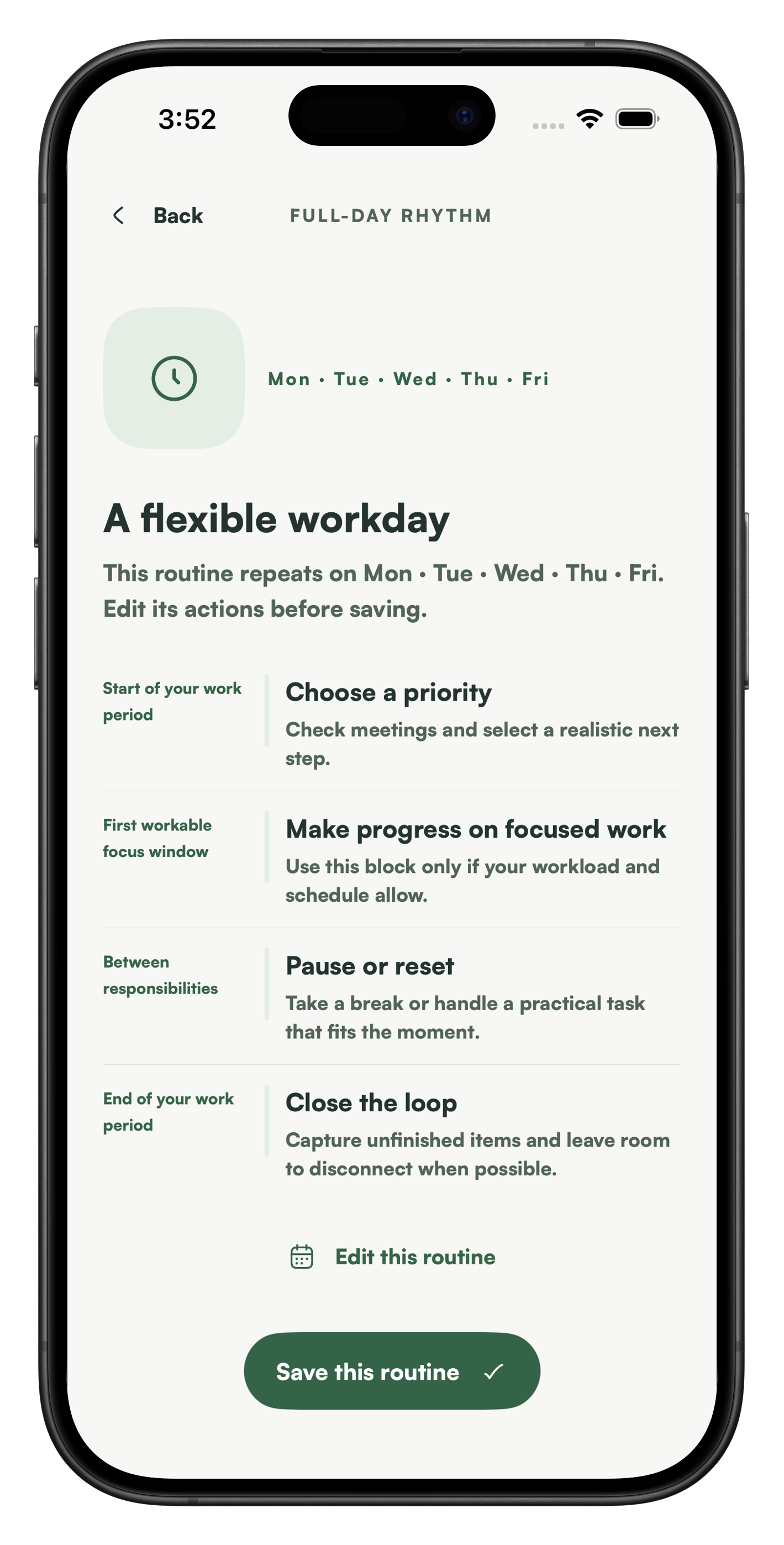
Choose a starting point, then edit the steps to fit your week.
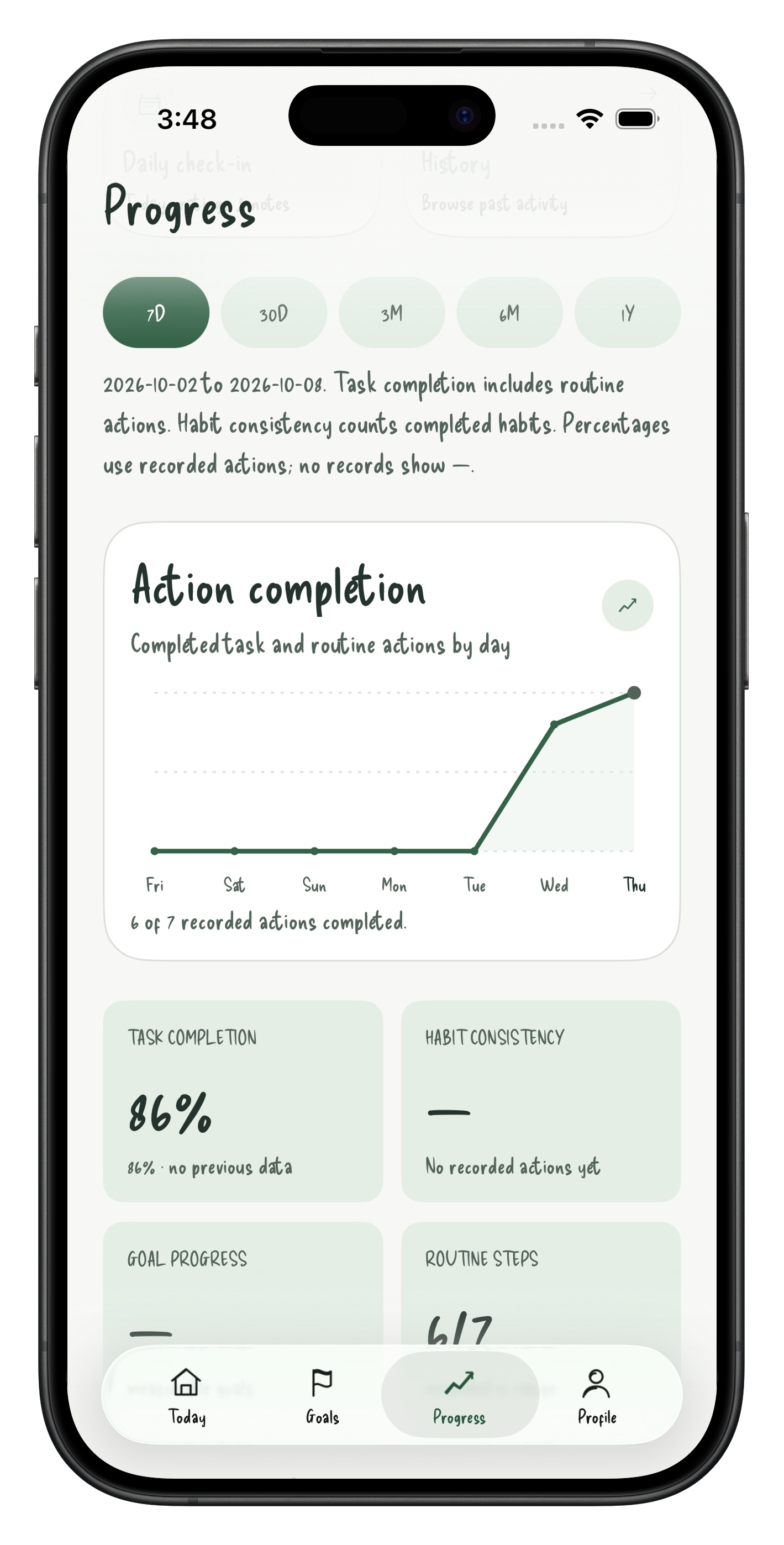
Progress
Review the actions you recorded over the time range you choose.
Start small
Pick what matters today. Change the list when you need to.
Give it a try
Choose a date and check off an action. This preview won’t save your changes.
DayKindle mobile preview
Thursday, November 26
See your plan and record what you did.
Preview only. Your changes are not saved.
If something comes up
Move one action or leave it open. The rest of your day can stay as it is.
Guest mode
When the mobile app launches, Guest mode will keep planner data on your device. You’ll be able to add goals and routines, record daily actions, and write a reflection when you want to review the week.
Reminders are scheduled on your device and depend on your notification settings.
A personal reason
DayKindle began with my own routines, priorities, and Christian faith. I wanted a planner that could give them room in an ordinary day, then decided to share what I was building.